Stay close to the conversation
Check what came in while you were out. Read the latest messages and answer with the customer’s question in front of you.
 orka.
orka. ORKA CHAT FOR IOS
Keep up with your projects in real time. Read the conversation, send a reply and carry on with your day.
The mobile app for the humans behind your SaaS, apps and stores. Your support crew travels with you.

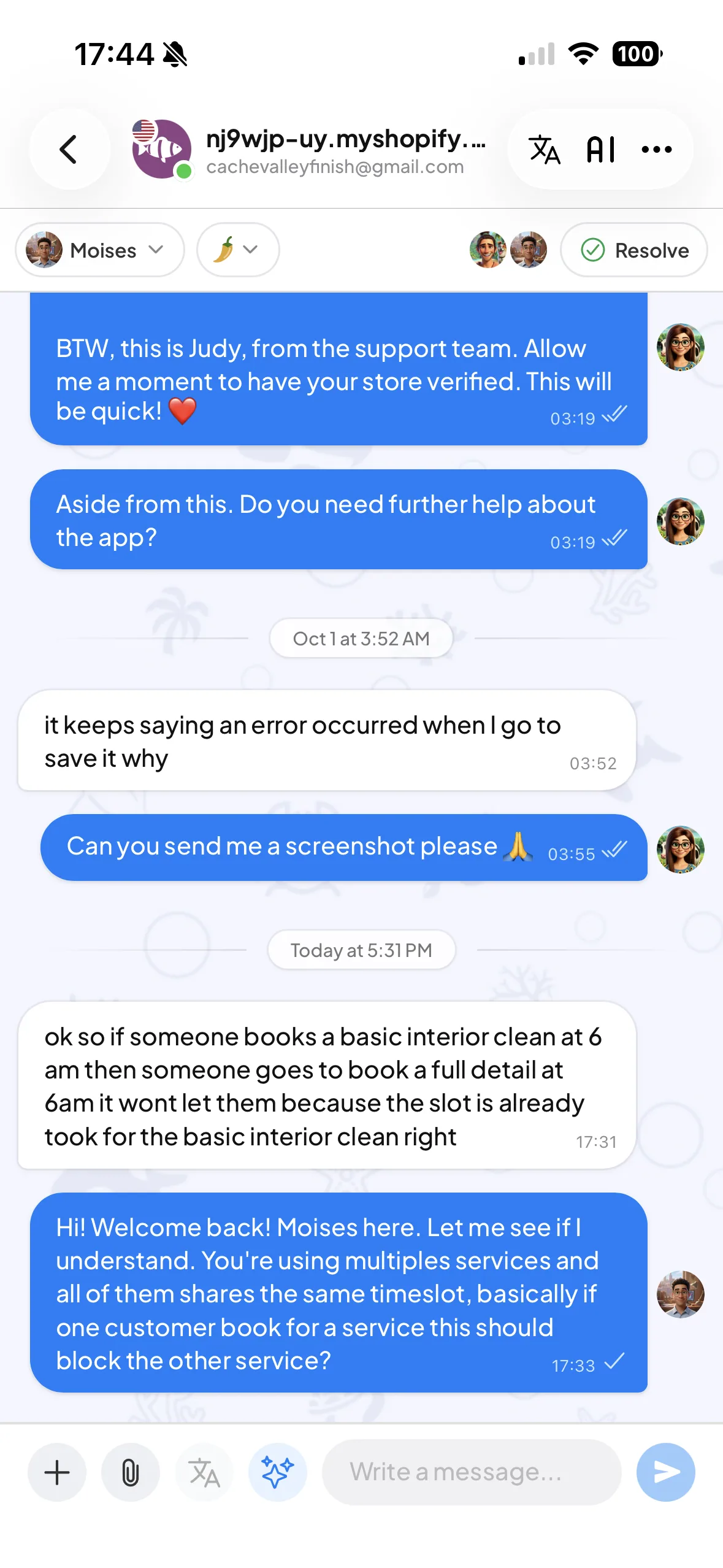
Check what came in while you were out. Read the latest messages and answer with the customer’s question in front of you.
Follow active support and check the conversations that need a person. A launch-day question does not have to wait for your next desktop session.
Add internal notes and organize conversations with statuses, as described in the iOS app listing. Leave a useful handover when someone else should take the next step.
Check in between meetings, answer a simple setup question during a break or see whether a teammate has picked up the tricky one. The point is to make support easier to reach when you choose to be available.
Keep the longer investigation for the right moment. Set clear response expectations and let Orky handle the questions covered by your configured knowledge when that suits your project.
Open the official App Store listing. Check the store’s current requirements for your device.
Use your existing Orka account. Check that you can see the projects you support.
Send a test visitor message, reply from the phone and confirm it arrives. Review the notification permissions and connection your device needs.
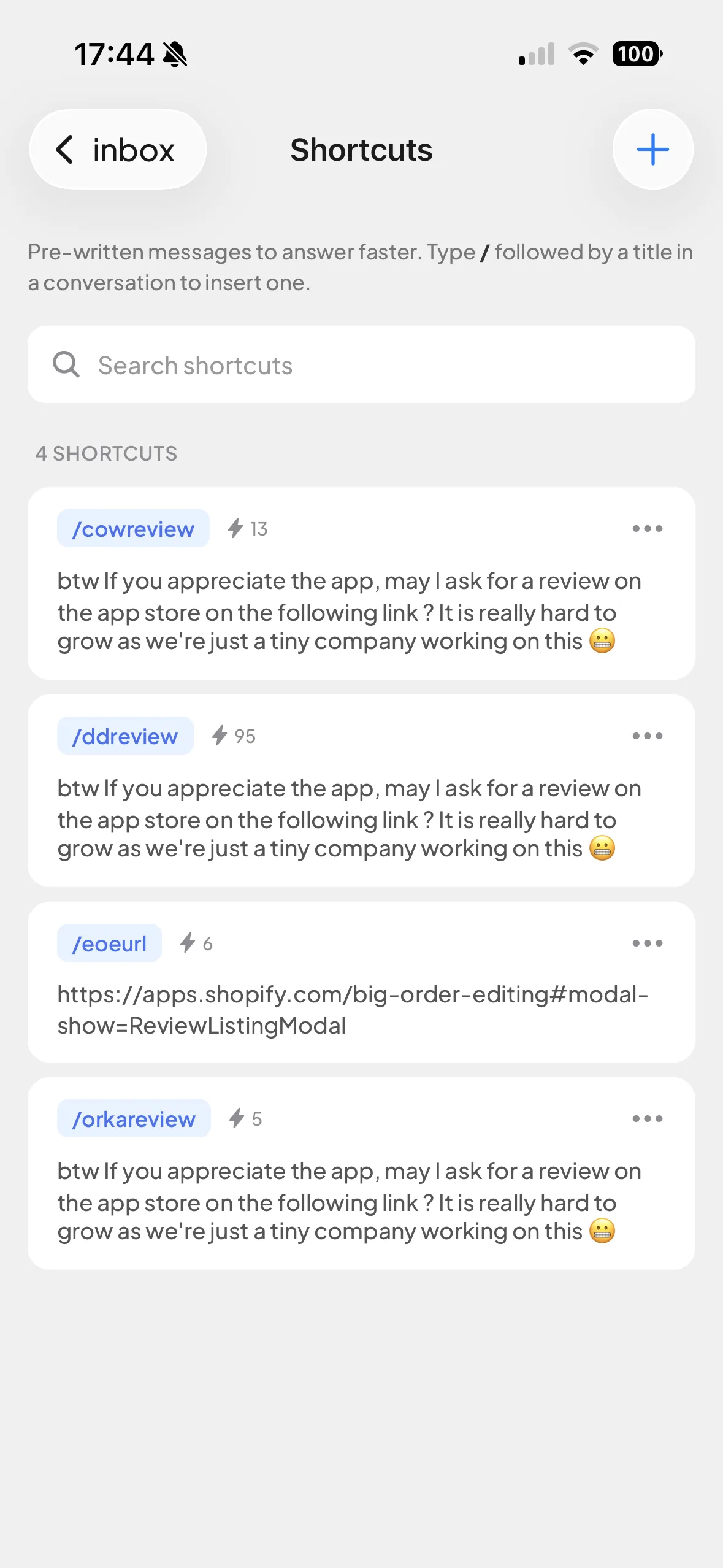
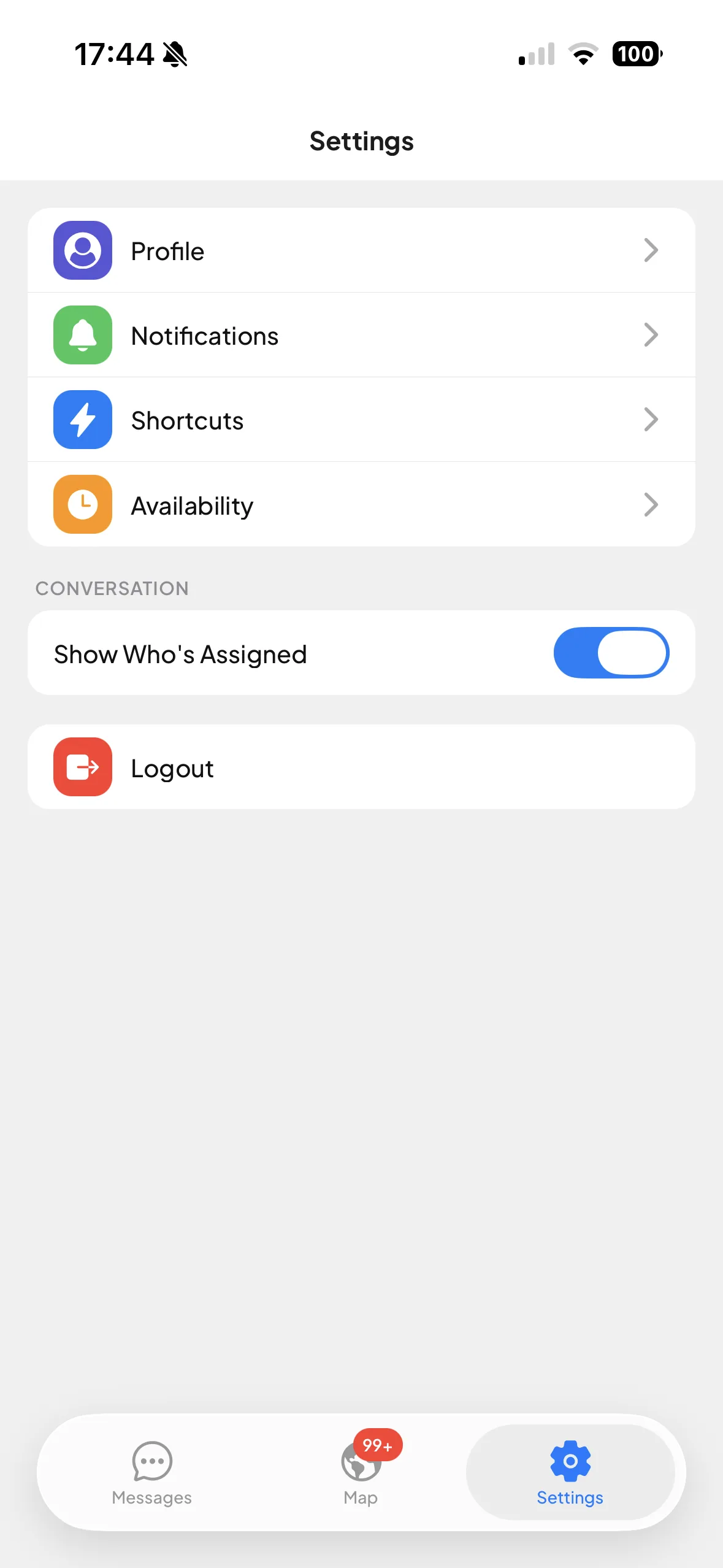
Check who’s visiting. Find your shortcuts. Make Orka fit your day.
Actual screenshots from Orka for iOS.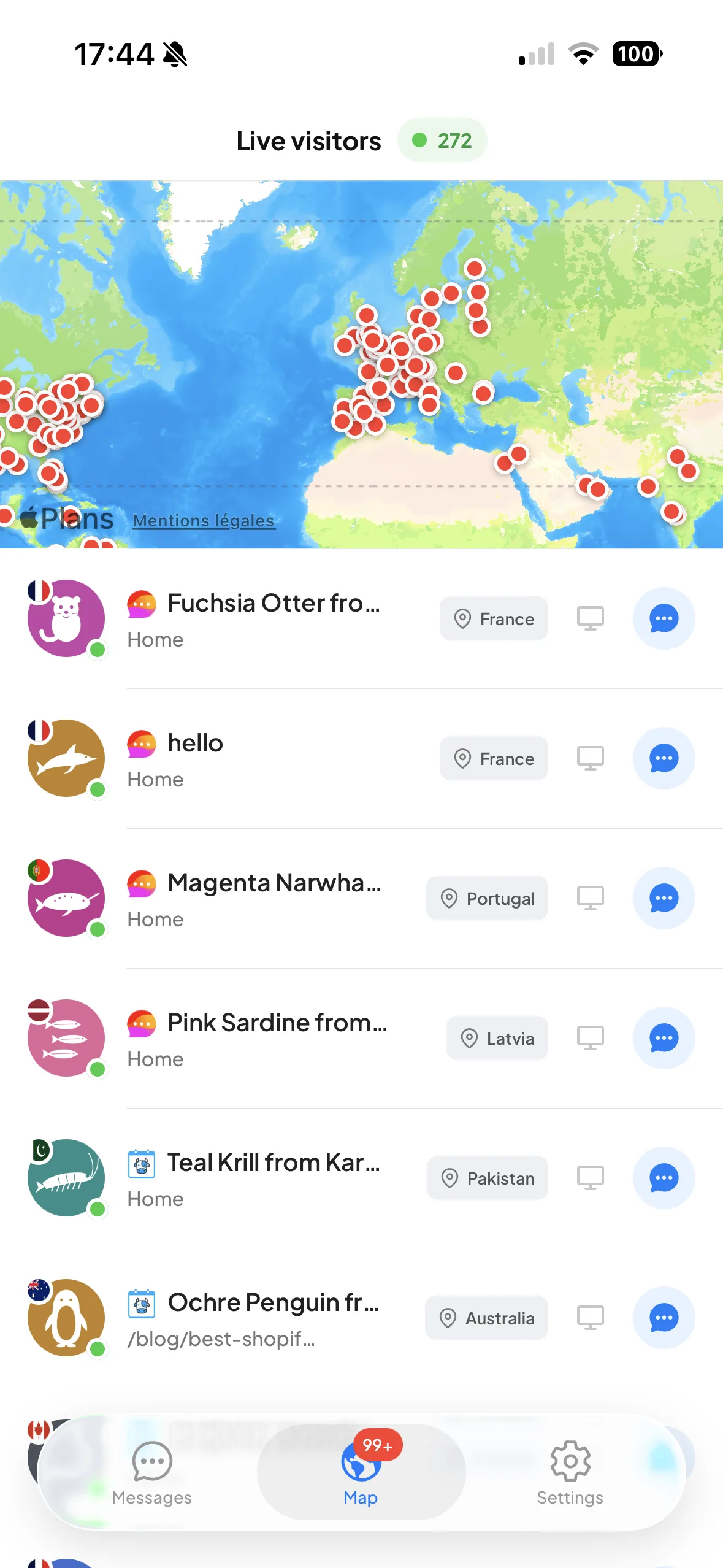
Those are two different jobs. Orka’s iOS operator app lets your team handle support on the go. If you build a mobile product and want its users to contact you without leaving it, explore our in-app support guide and visitor-data SDK.
Still wondering about something?
Ask a human at Orka ↗
It is the mobile app for the people answering customer conversations in Orka. Use it to follow support when you step away from your computer, rather than opening a separate support tool for every product.
No. This page is about the Orka app your support team uses. Embedded visitor chat is the experience you put inside your own product. There are separate guides for adding web-based support to iOS, Android and other mobile apps.
Use the mobile app with an internet connection to keep up with incoming conversations and reply while you are away from your desk. Delivery and alerts depend on connectivity, the app state and your device notification settings.
No. Mobile access is a choice, not a promise of round-the-clock human support. Keep your availability and response expectations honest, and use your team or configured Orky coverage when you are away.
Yes. Sign in with the Orka account you use for your projects. Your team’s project access still determines the workspace you should use.
Yes. Orka includes iOS and Android apps on every plan, including Free. Team limits and AI usage are separate from downloading the operator app.
Yes. The hero shows a conversation in the native Orka iOS app. The gallery below shows live visitors, shortcuts and settings. These are actual app screenshots.
Use the App Store button on this page to open the official Orka Chat listing. The store shows the current compatibility requirements for your device.
Checked in September 2026. Questions or corrections? [email protected].


Mobile apps included on every plan. See all plans ↗